Explore / Survive / Play together
Find a DayZ server
that matches what you want
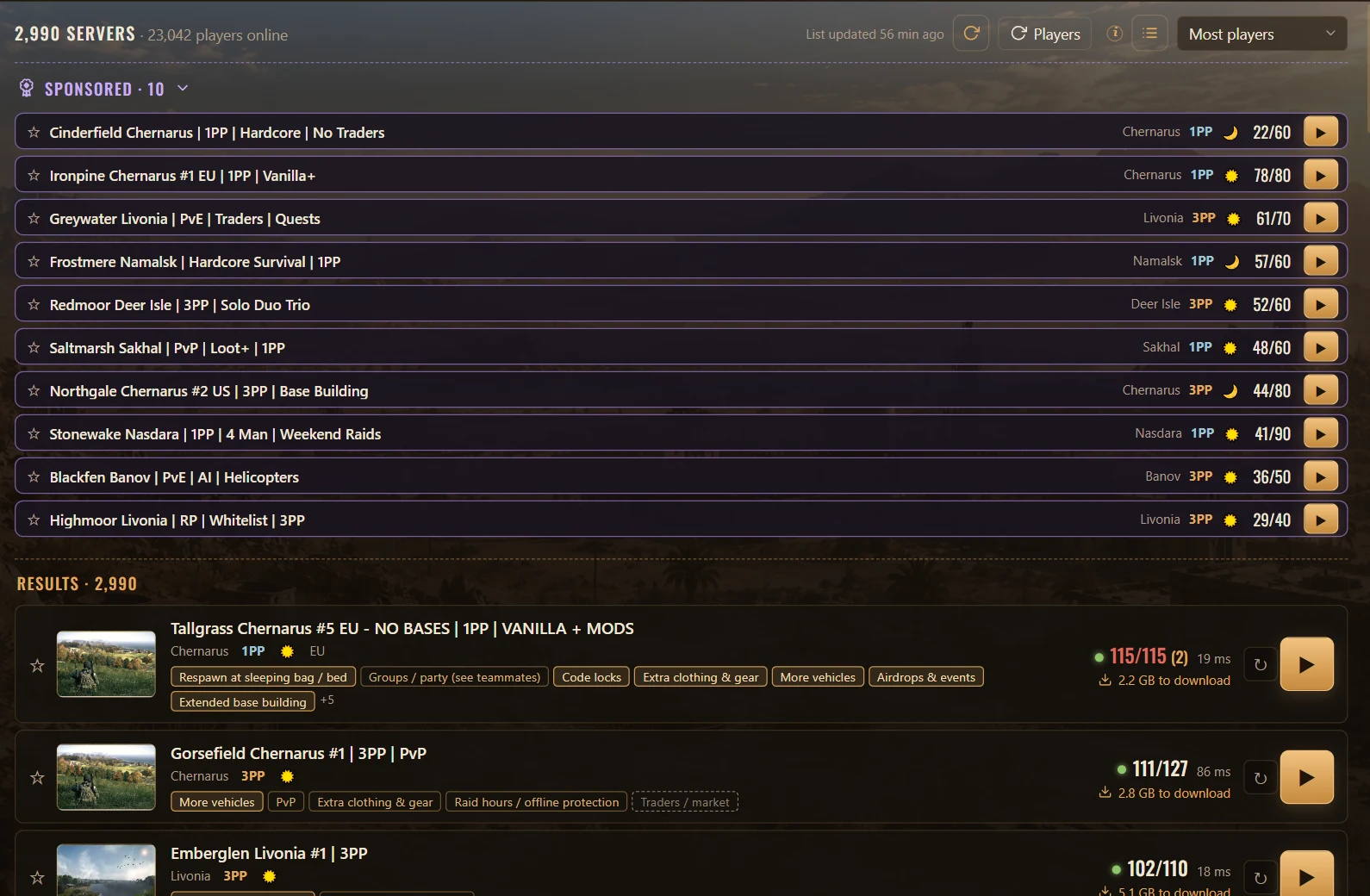
DayZ Finder reads the mods of every community server to know what it really offers. You filter, then join the server in one click.
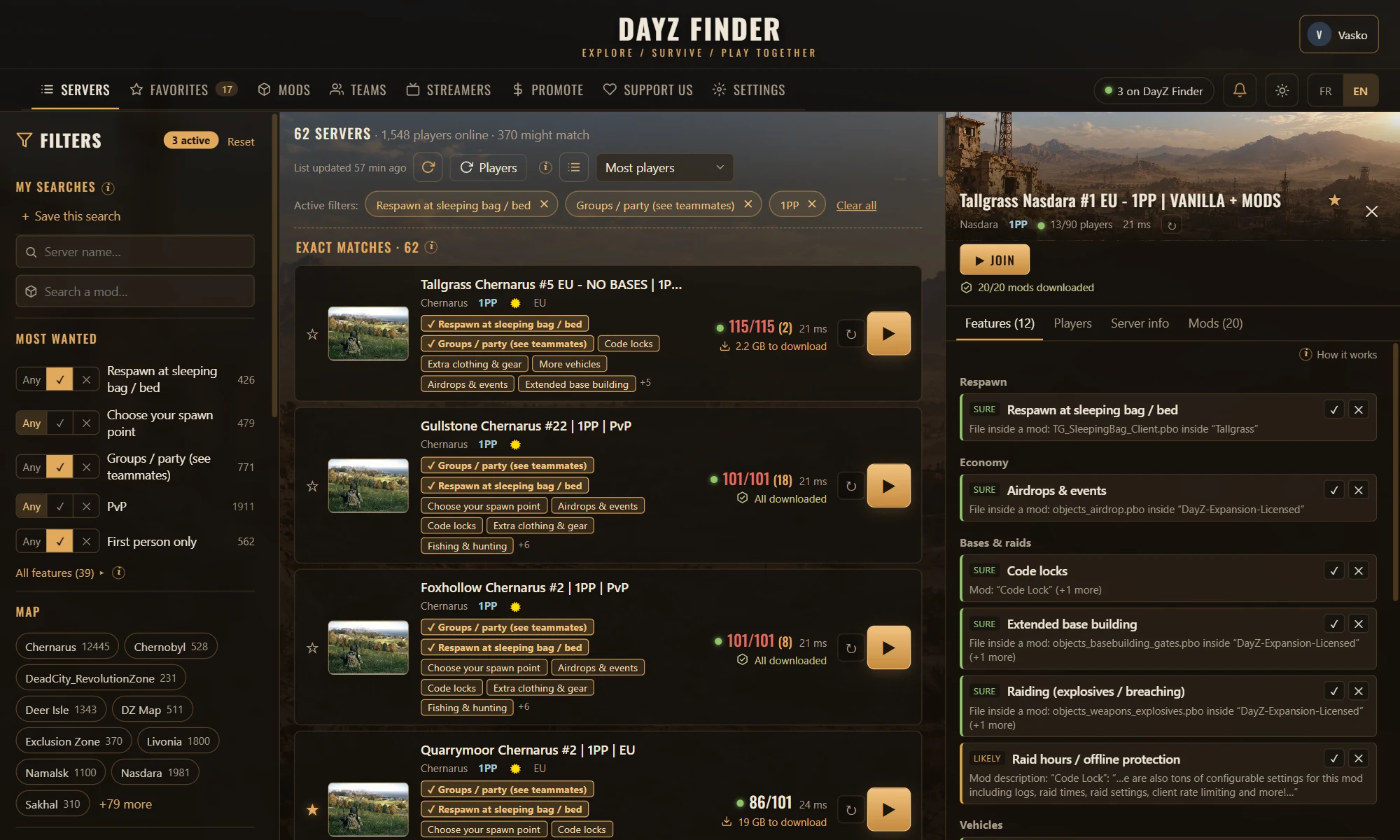
Pick the server that matches what you're looking for
Sleeping bag respawn, spawn select, group size, 1PP view, raids, vehicles, wipe date: the list only keeps the servers that have what you want.
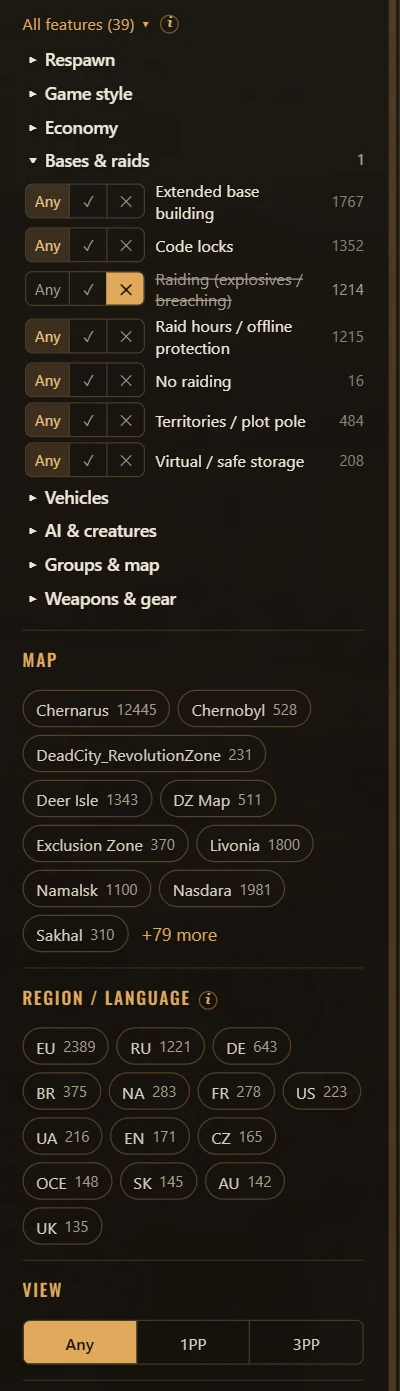
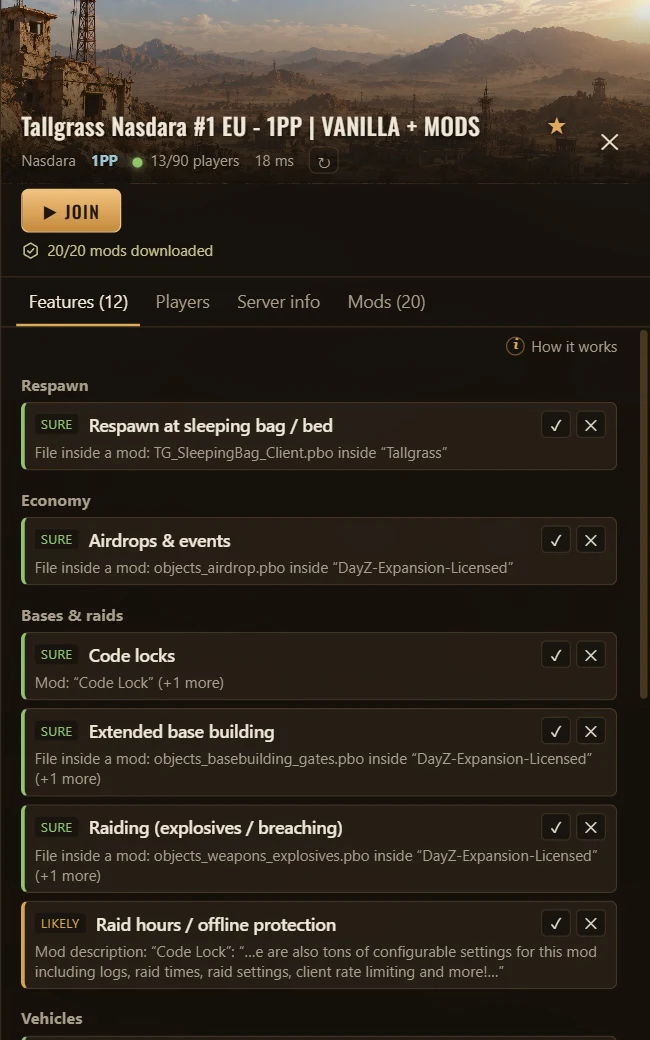
Check what a server offers before you join
For every feature, DayZ Finder shows where it found it: a file in the mod pack, a mod's description or the server's name.
Something looks wrong? Correct it with ✓ or ✕: your answer wins over the automatic detection.
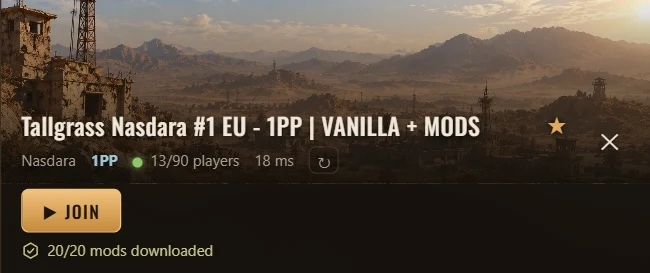
Join the server in one click
“Join” downloads the missing mods through Steam, then starts DayZ straight on the server. No IP address to copy.
Avoid the rush, or jump right in
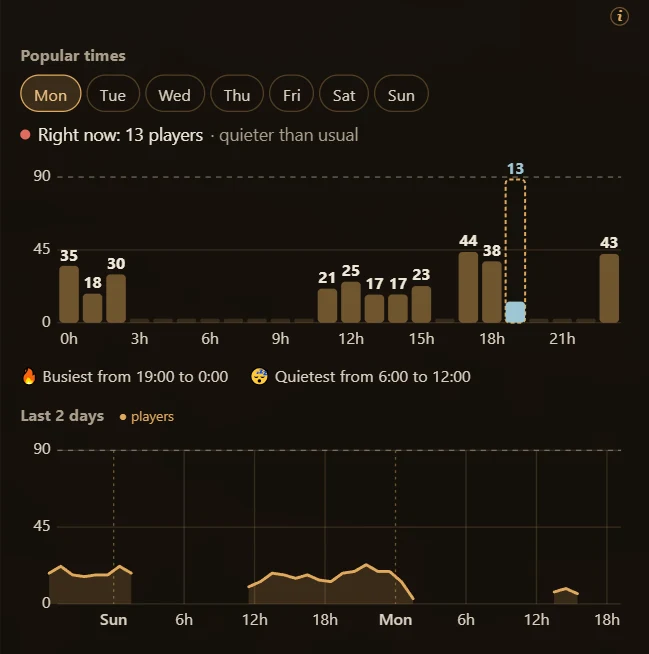
Prefer an empty map, or a full server where things happen? We show each server's average crowd hour by hour, with its queue and its ping.
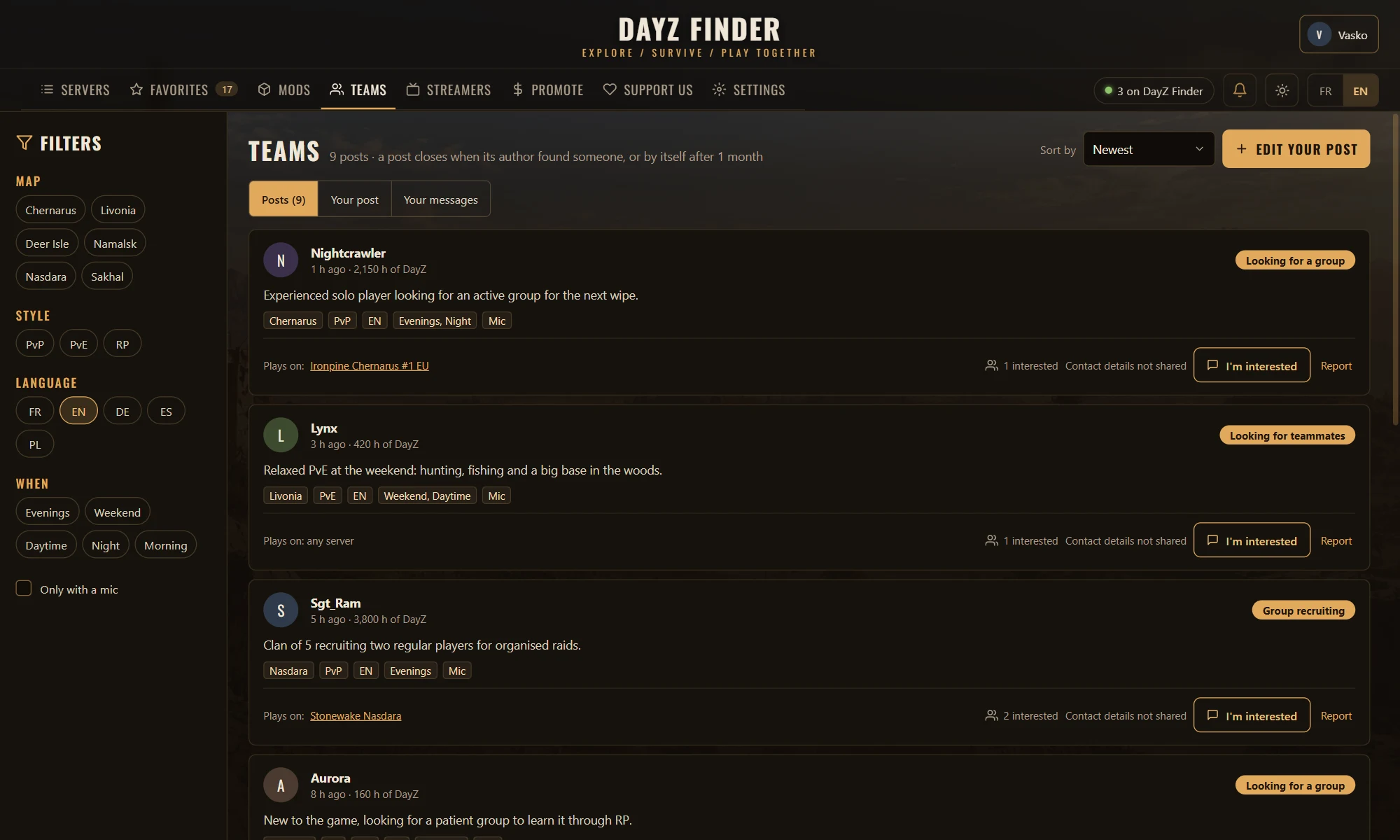
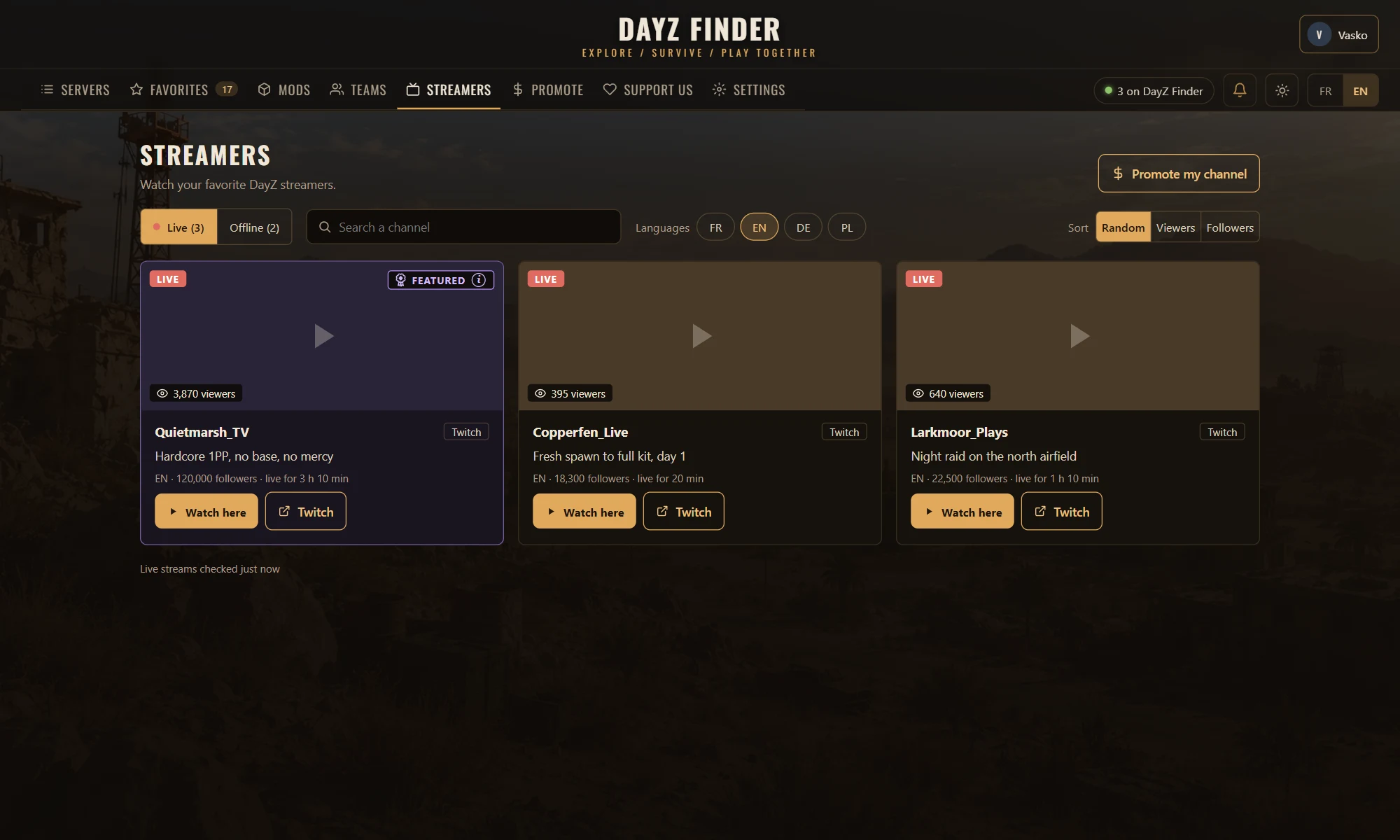
Also in DayZ Finder
Download DayZ Finder
Free, for Windows 10 and 11. Steam and DayZ must be installed on the PC.
Windows may show “Windows protected your PC”: click “More info”, then “Run anyway”. The first start takes about 3 minutes, to load the server list.